Room of Horror
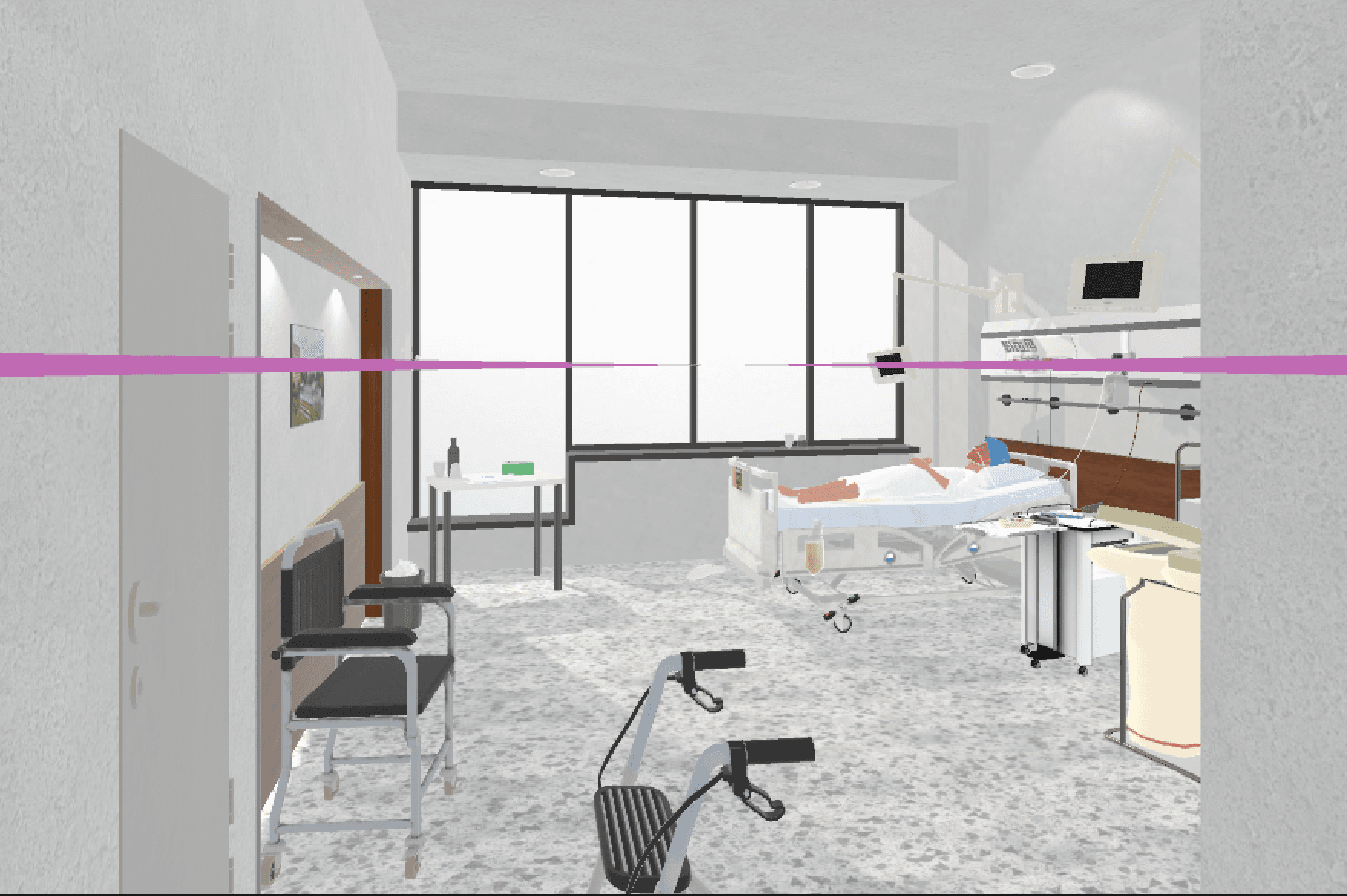
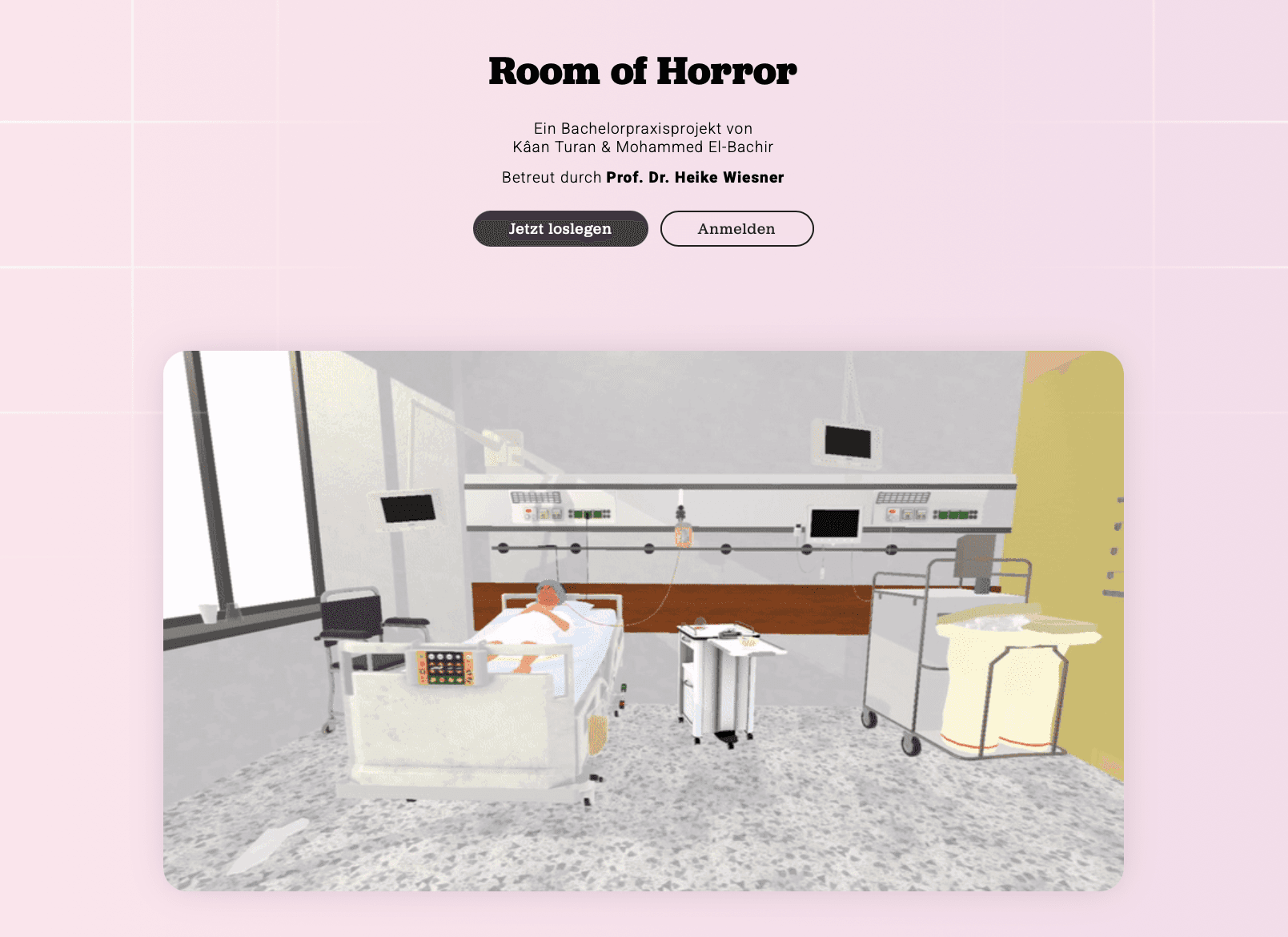
Room of Horror turns a traditional nursing-safety exam into an immersive VR exercise: trainees search a deliberately mis-set-up hospital room for hazards, scored by a weighted, criticality-gated evaluation engine. It’s a five-part system — a Unity VR/desktop client, a TypeScript Express + PostgreSQL backend with real-time WebSockets, and a React instructor dashboard — built around the idea that “no patient is standard,” with six diverse patient profiles that change what counts as an error.
- Role
- Lead developer (7-person student team)
- Year
- 2026
- Status
- Completed
- Category
- Software Engineering
- Tools & technologies
- UnityC#XR Interaction ToolkitTypeScriptNode.jsExpressPostgreSQLSocket.IOReact
- Links
- GitHubDocumentation
The problem
Nursing trainees traditionally learn to spot patient-safety hazards through written exams or risky real-world practice. There’s no safe, repeatable, measurable way to train the “spot the danger at a glance” skill — especially across patients of differing age, body, language, and background.
Context
A Software Engineering Project module at HWR Berlin, summer semester 2026, developed with Bundeswehrkrankenhaus Berlin as application partner and building on an earlier 1.0. I owned roughly three quarters of the commits across a team of seven.
Process
Diversity as first-class data
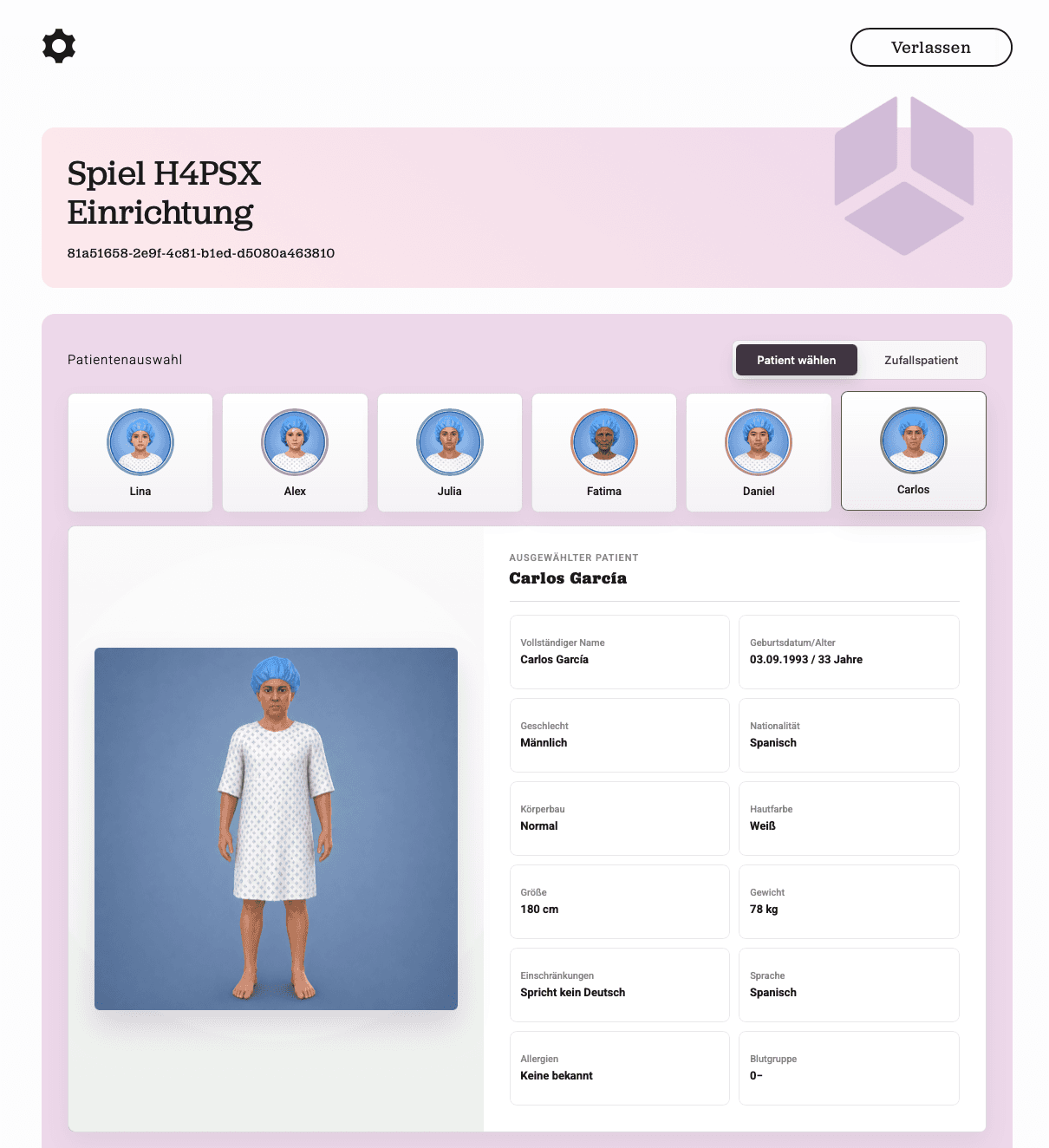
The defining decision was to treat patient diversity as data rather than cosmetics. Six patient profiles each carry their own master data, avatar, and patient-specific error scenarios, so the same physical room teaches different lessons depending on who’s in the bed.
An in-VR patient file — a multi-page clipboard — embeds documentation errors and decision dialogs, like calling an interpreter or resolving an allergy conflict, so the hazards aren’t only physical props.
- Six patient profiles, each with distinct error scenarios
- 32 catalogued errors scored by severity (1–5)
- Accessibility: color-vision simulation modes and teleport locomotion
A live instructor loop
A game code links a browser session to a headset session. From a web console the instructor picks a patient, selects errors, and sets a mistake budget; a WebSocket layer streams found errors and mistakes back to them in real time. After the round, a dashboard summarises the score, breaks it down by category, and generates trainer feedback.
Key decisions
Weighted, criticality-gated scoring
Rather than a flat point tally, a dedicated evaluation pipeline scores each error by severity and applies a hard “critical” gate — missing a critical finding fails an otherwise-passing round. Scoring and feedback generation are separate stages.
One interaction layer, two input modes
The same game runs in VR and in a plain desktop mode (mouse + keyboard), with error-interaction logic decoupled from the input modality. That made the project testable and demoable without a headset.
Implementation
Architecture
A monorepo separates the Unity client, the Node/Express/TypeScript API, the React dashboard, 3D model sources, and a Jekyll docs site. The backend is domain-partitioned (database, endpoints, evaluation, schemas, websocket, email) with config validated at startup via Zod and secrets kept in environment files.
Data flows: instructor (React) ↔ REST + Socket.IO ↔ Express/PostgreSQL ↔ Unity client, with a room configurator on the Unity side rebuilding the physical room per selected patient and errors.
Gallery
Outcomes
- Delivered all eight goals of the signed target agreement (MUST 2/2, SHOULD 2/2, COULD 4/4).
- Shipped 6 patient profiles and 32 severity/criticality-weighted errors, with live instructor monitoring and generated post-round feedback.
- Handed off toward a real-world practice test with nursing trainees at the partner hospital.
Lessons learned
- Designing one interaction layer to serve both VR and mouse-and-keyboard kept the project testable and demoable without a headset.
- Modeling diversity as first-class data, rather than cosmetic avatars, is what let the same room teach different lessons.
Related work

AOG Moldova
A production landing site for 24/7 emergency aviation-parts logistics in Moldova, with a trilingual interface and a serverless quote form that routes urgent requests straight to the ops team.

Rent Tracker
A full-stack Flask app that helps small landlords track apartments, tenants and monthly rent, and nudges them about unpaid months through automated Telegram and email reminders.